Prepare measurement records
Easily prepare measurement records in Visualorc using estimate data.
Upload the quantity or percentage to be invoiced, on each item, and the application provides all relevant information such as accumulated values, percentages, balances, among others.
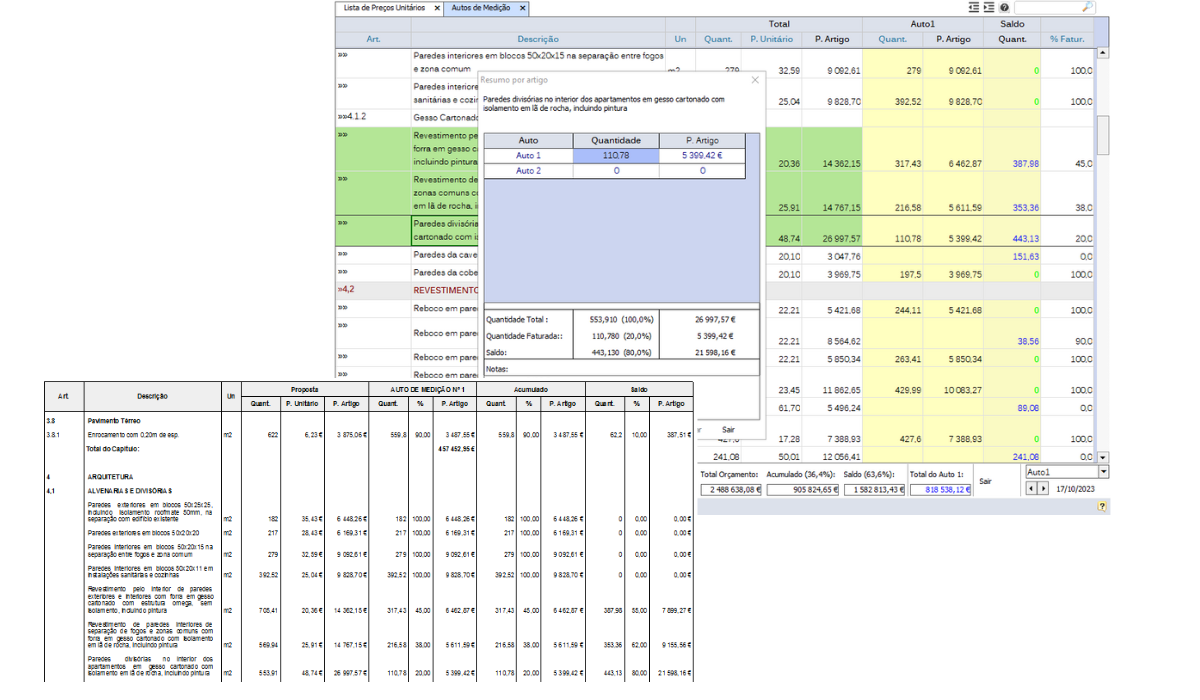
Get the document printed immediately, with automatic print settings.
Prepare measurement records for the client, referring to the initial estimate and additional work, and for suppliers and subcontractors.
Measure the record directly on the drawing
In addition to the estimate measurement, each record can have its own, independent measurement, taken directly on the project drawing. In the "CAD" column of each item, see the measurement status at a glance: blue when it has already been measured in this record, grey when it has a measurement in the estimate or in previous records, and black when it has no measurement yet.

Click the circle in the "CAD" column to open the drawing and measure the item directly — elements measured in previous records appear in green and locked, so they can be used as a reference without any risk of changing them. If the record has no measurement yet and the item already has one in the estimate, Visualorc immediately offers to import it, with the "Import" button, instead of measuring it again from scratch.